Team Tasks
Team Tasks
In a busy hotel, managers constantly delegate tasks — like creating presentation for a demo or pulling up the latest guest complaint report for the last week. But more often than not, these tasks get buried in a WhatsApp message, lost in a Slack thread, or forgotten somewhere in an email chain. Nobody follows up. Nobody tracks, people become overwhelmed and everyone forgets until the deadline.
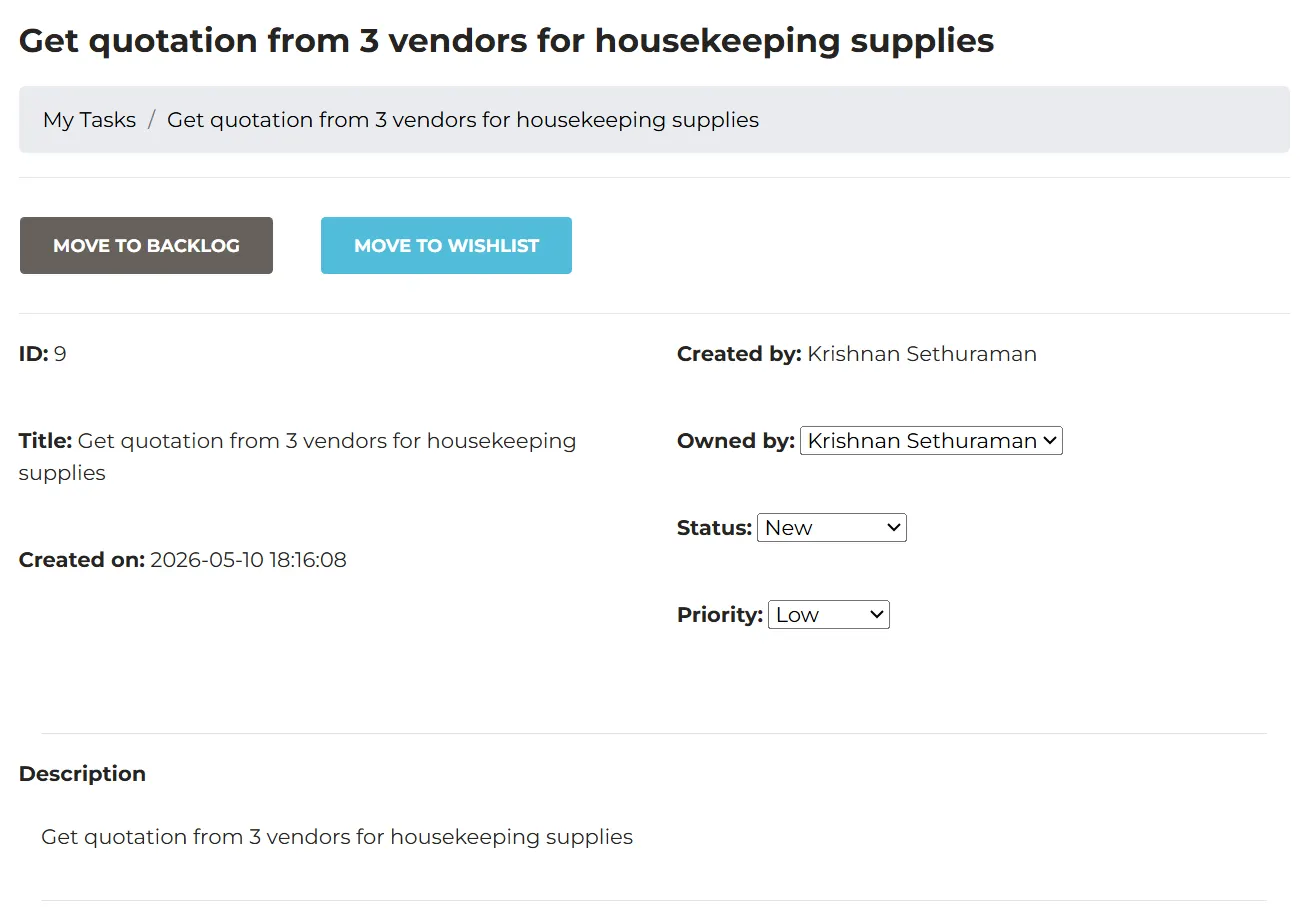
Team Tasks in Geedesk gives managers and General Managers a dedicated space to create, assign, and monitor tasks for their team — right inside the platform they already use to manage guest complaints. No more scattered messages. No more guesswork. Every task has an owner, a deadline, and a clear status — so managers always know what's done, what's pending, and what needs their attention.
Create Tasks and Assign Them in Seconds
Managers can create a task — give it a title, a description, a priority level, and assign it to one or more team members. Set a due date and let Geedesk take it from there. No separate app. No extra logins. Tasks live right alongside your guest complaint workflow, so your team has one less thing to context-switch between.
Always Know Where Each Task Stands
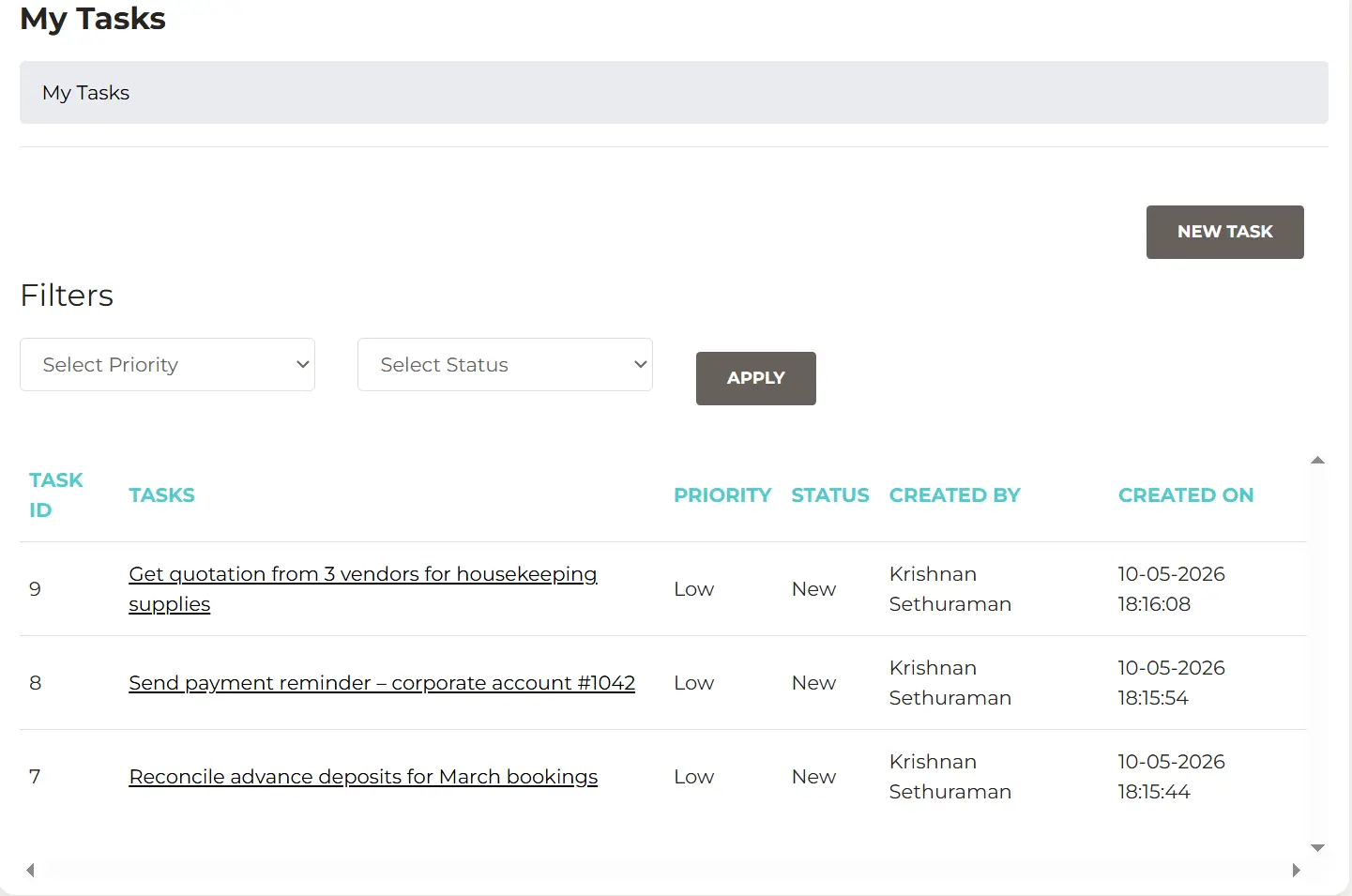
Users can easily track the status of their tasks and tasks that they delegated to their team members. They can also ask for the status of the tasks in just a single click. No emails or Slack messages required. Managers get a clear, real-time view of what their team is working on without having to chase anyone down. No more wondering if something was acted on. No more re-sending the same reminder twice. If a task is overdue, it shows up immediately — so managers can step in before a guest is affected.